Accounts, together
Track income, spending and balances across your accounts.
 Budjetto.
BUDJETTO · FOR IPHONE
Record purchases, keep track of your accounts and see where your money goes.
See it in actionFree. Every feature included.
Coming to the App Store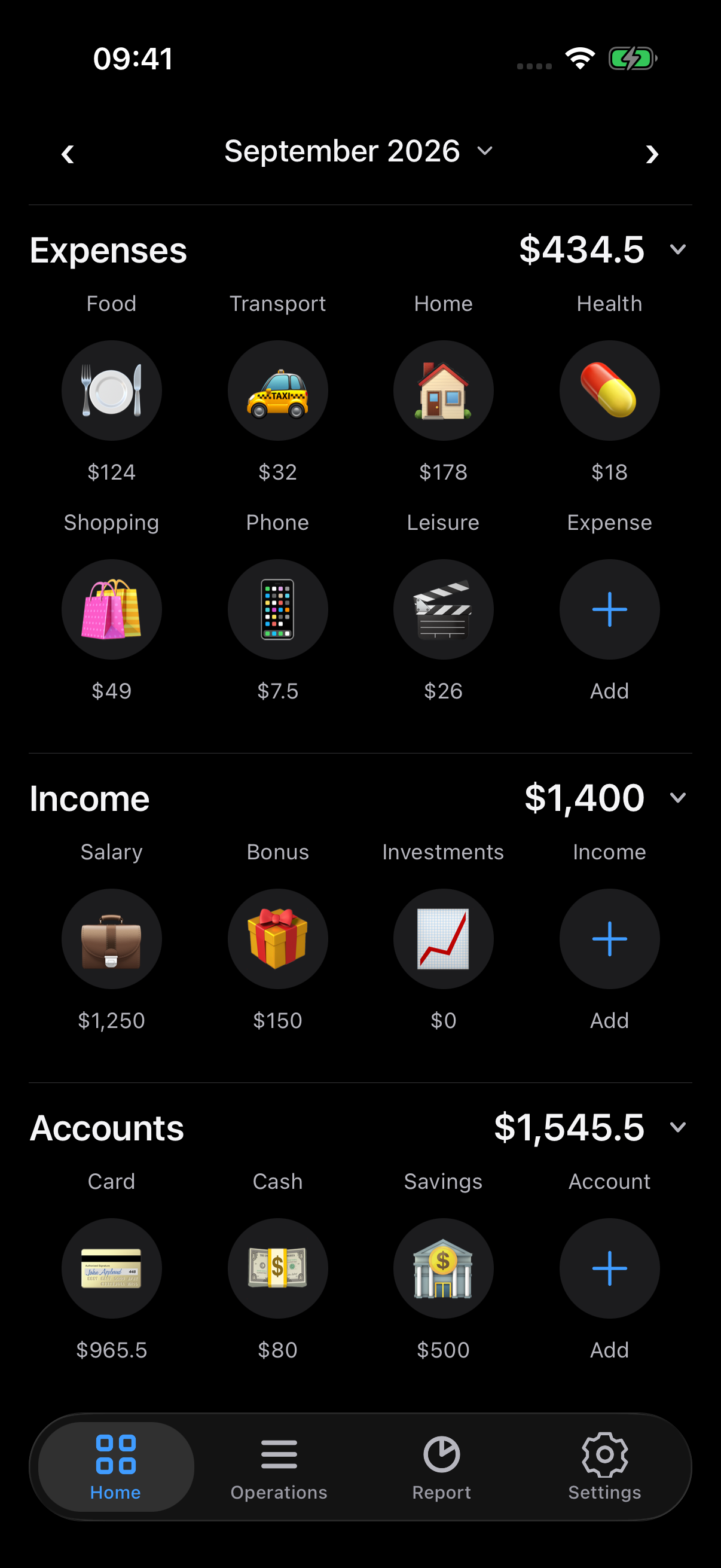
01A daily habit
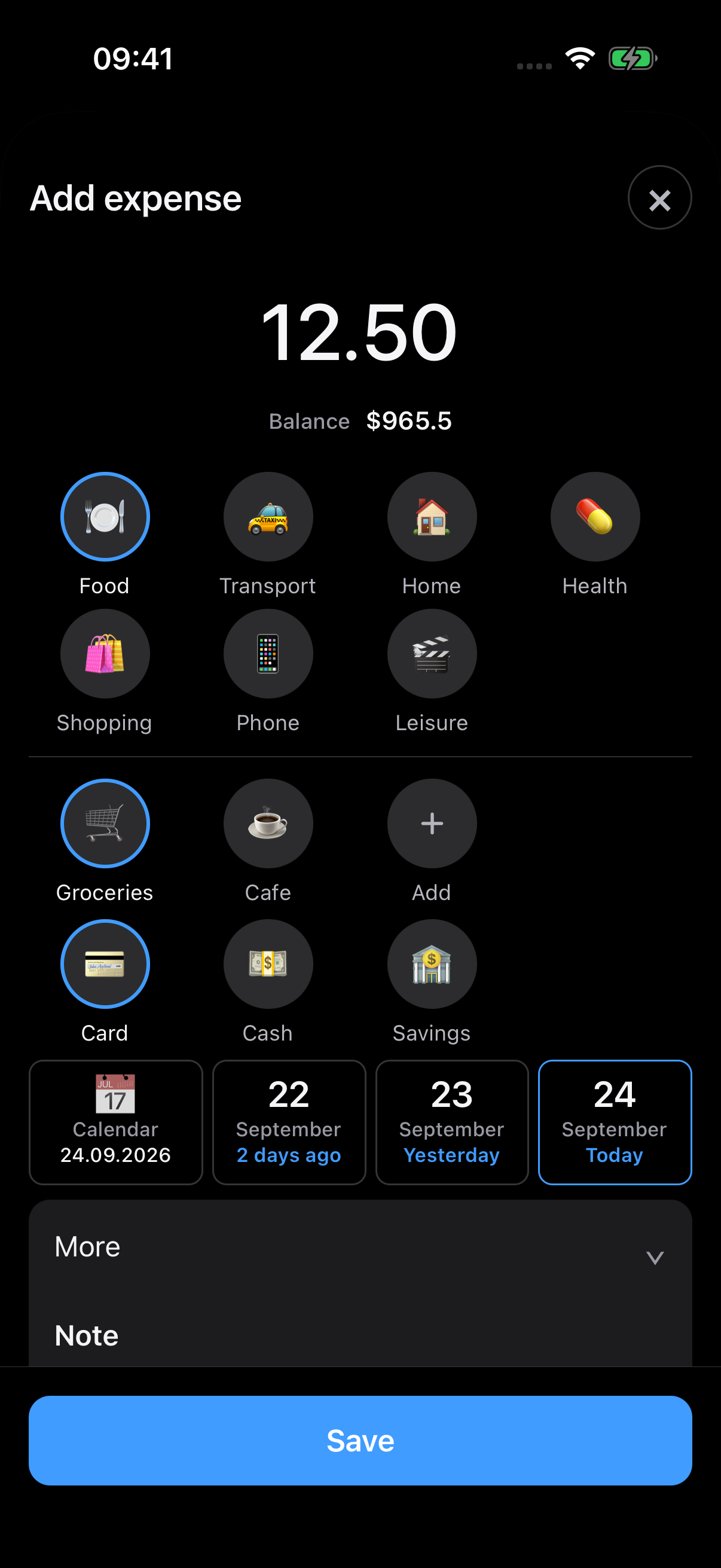
Tap a category on the home screen. Your account and today’s date are already selected.
02Your everyday finances
A card for shopping, cash in your pocket and a savings account. Keep them together in one clear overview.
Track income, spending and balances across your accounts.
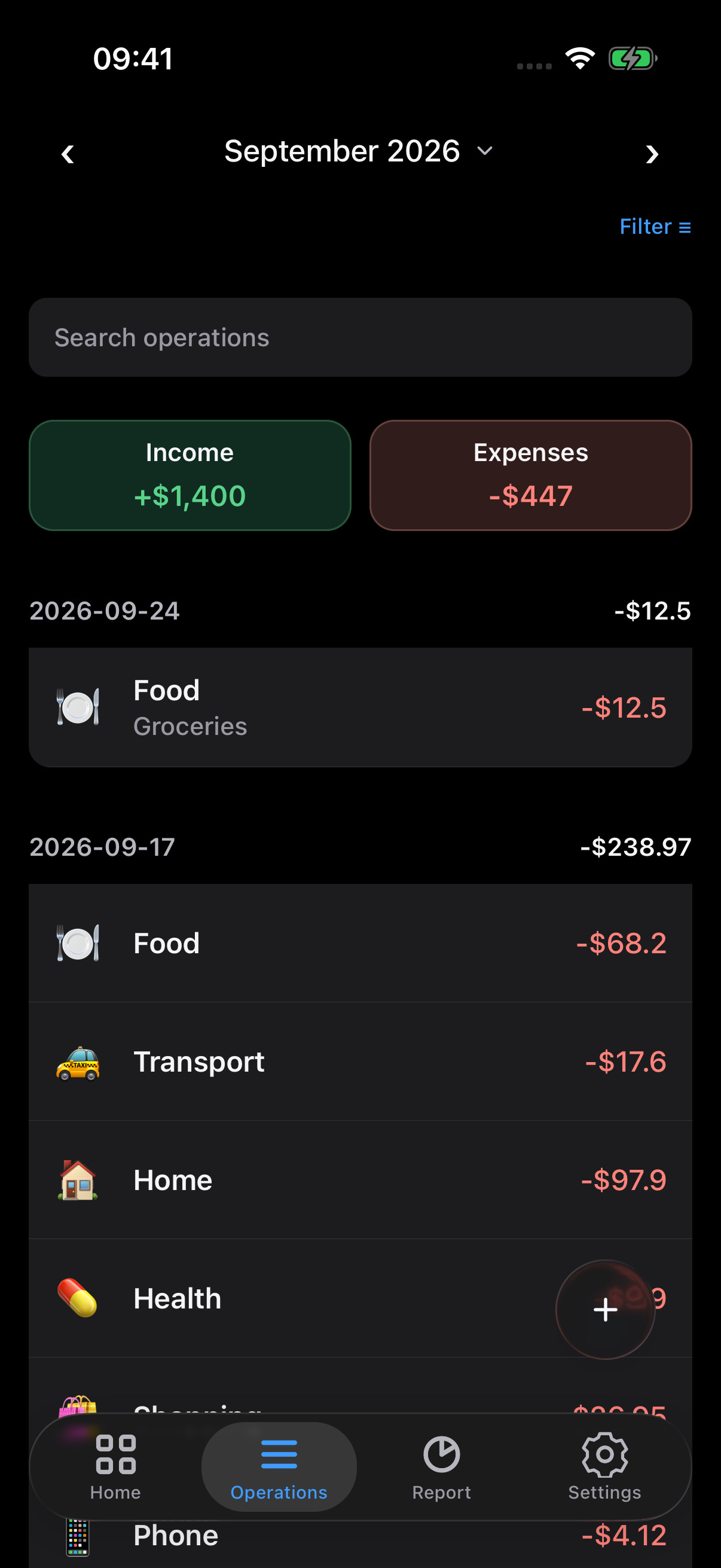
Track transfers between your accounts and keep your history in order.
Add subcategories, choose colourful icons and arrange them with a long press.
03The bigger picture
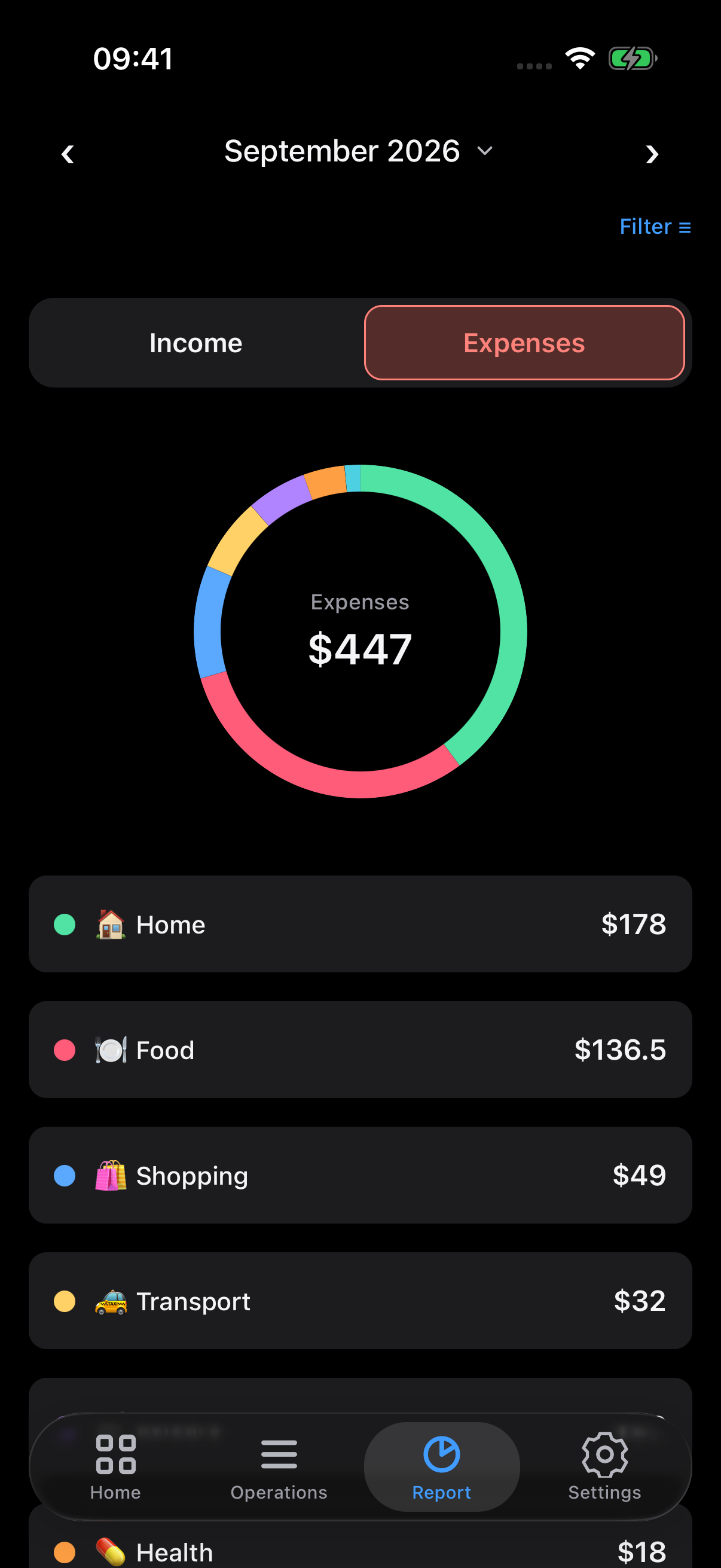
See your spending by category. Explore the details and follow how your balance changes over time.
Category and subcategory breakdown
Income, expenses and balance over time
Today, a week, a month or your own period
Small things, thoughtfully done
Add a note or a receipt image to any transaction.
Financial records stay on your iPhone. Enable Face ID for extra protection.
Save a full backup with settings and attachments, then restore it on another device.
Record purchases and explore your reports wherever you are.
Import and export transactions in CSV.
Russian and English. Rubles, dollars, euros or tenge.
Good to know
Yes. All current features are free: accounts, transactions, categories, reports, protection and backups.
No registration or bank connection is needed. You enter transactions yourself.
Yes. You can record transactions, browse your history and view reports without an internet connection.
Save a full backup to Files, transfer it to the new device and restore it in Budjetto settings. Your settings and attachments are included.
Budjetto. Personal finance at your own pace.
Have a question? We’re here.